New website design! More to come!

Mods / The Sims 3

TS3 Gamepad

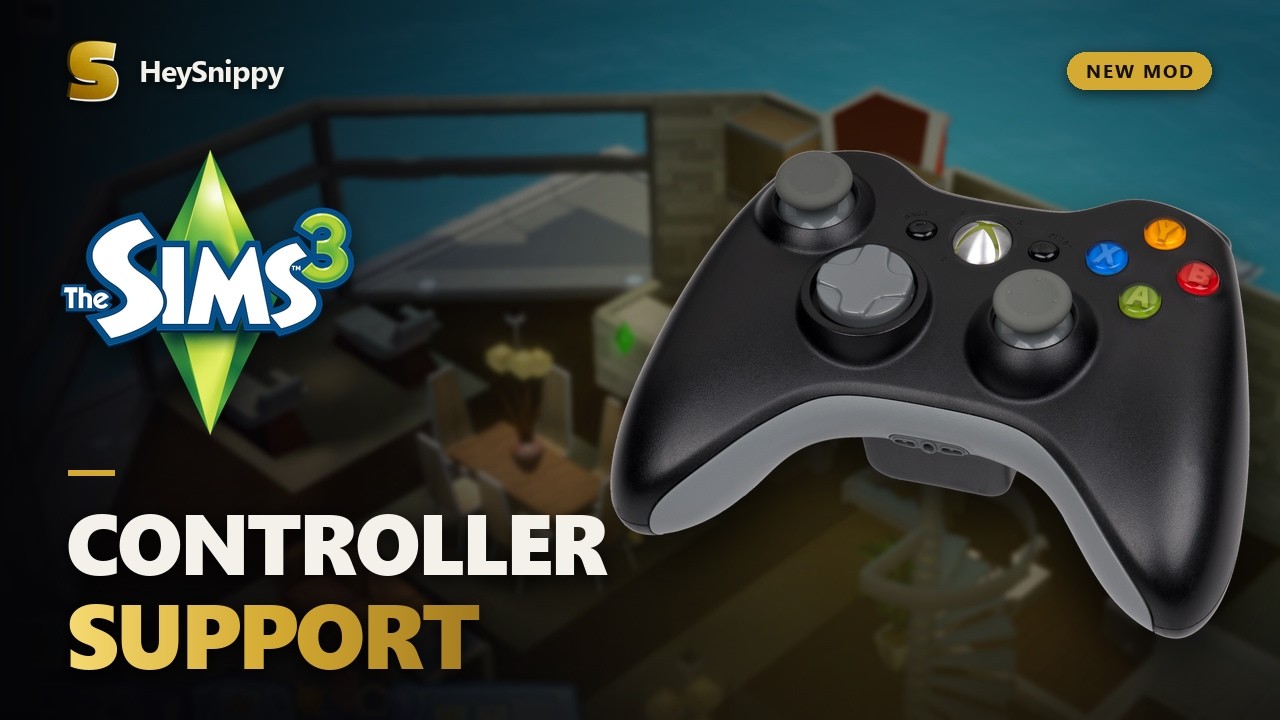
Controller support for The Sims 3 on PC.

ReleasedPC

TS3 Gamepad adds controller support to the PC version of The Sims 3. It uses a control scheme similar to The Sims 4 on consoles, with analog-stick camera movement, menu navigation, and shortcuts for everyday gameplay.

The original PC interface is kept intact. You can move between buttons using the D-pad, select objects with an on-screen cursor, and use the game's interaction menus with a controller.

Controls

The layout is based loosely on The Sims 4's console controls, with adjustments for The Sims 3.

  • Left Stick = Move cursor
  • Right Stick = Rotate / zoom camera
  • Hold LT + Sticks = Move / tilt camera
  • A / Cross = Select / interact
  • B / Circle = Back / cancel
  • X / Square = Right-click
  • Y / Triangle = Cancel current interaction
  • LB / RB = Change game speed
  • D-pad Right = Next Sim
  • D-pad Up / Down = Change floor
  • D-pad Left = Change wall view
  • L3 = Center camera on Sim
  • Back / View = Navigate UI panels
  • Start / Options = Open controller menu

In Build / Buy Mode, the bumpers rotate objects, Y activates the eyedropper, and LT provides shortcuts for undo, redo, and delete. Press both sticks together at anytime to open controller settings. Mouse and keyboard controls still work normally, and you can switch between them at any time.

Known Limitations

  • Typing still requires a keyboard. The mod doesn't currently include an on-screen keyboard, so you'll need one for Sim names, save names, and other text fields. This will be coming in the next update.
  • Vibration is available on Xbox/XInput controllers. PlayStation and generic controllers may have different button mappings depending on their Windows drivers.
  • The mod is designed around the base game's interface. Custom interfaces added by other mods may not work correctly with controller navigation.
  • PlayStation and generic controller support is experimental.

Features

  • Controller support: Xbox, PlayStation, and most standard gamepads.
  • Camera controls: Move, rotate, tilt, and zoom using the analog sticks.
  • Menu navigation: Use the D-pad or the left stick to move between buttons, lists, and other interface elements.
  • Interaction menus: Select interactions using the analog stick or D-pad.
  • Live Mode: Switch sims, change game speed, manage interactions, and control floor and wall visibility.
  • Build/Buy Mode: Place, move, rotate, and delete objects, with shortcuts for common tools.
  • Create-a-Sim: Controller navigation for the existing character creation interface.
  • Controller prompts: On-screen button hints that change depending on what you're doing.
  • Settings: Adjust cursor speed, camera speed, highlights, button prompts, and vibration.

How to install

  1. Download ts3-gamepad.zip and extract it.
  2. Open your Sims 3 installation folder.
  3. Go to Game/Bin, where TS3W.exe is located.
  4. Copy xinput1_3.dll into that folder.
  5. Start the game.

That's it. The DLL installs the required mod package automatically. You don't need to set up a Mods folder yourself. If your controller doesn't respond on the first launch, restart the game once.

Questions

Can I play with a PlayStation controller?

Yes. PlayStation controllers are supported through Windows controller input. Steam Input and DS4Windows can also make them appear as Xbox controllers.

Does this use the Xbox 360 version's interface?

No. It keeps the PC interface and adds controller navigation. The controls are closer to The Sims 4 on consoles.

Can I still use my mouse?

Yes. Moving the mouse switches back to normal mouse controls. Using the controller switches back to gamepad controls.

Do I need to install a separate .package file?

No. The DLL contains the mod package and installs it when the game starts.

How do I uninstall it?

Remove xinput1_3.dll from the game's Game/Bin folder. Restore your original DLL if you backed one up.

Where can I report bugs?

You can generate a diagnostic report by pressing Ctrl + F10 in-game. The report is saved in your Sims 3 Documents folder as a ScriptError_*.xml file. When reporting a problem, include your game version, controller model, and what happened.

Changelog

v1.0.02026-10-11

  • Initial release.

All mods