New website design! More to come!

Mods / Resident Evil – Code: Veronica X

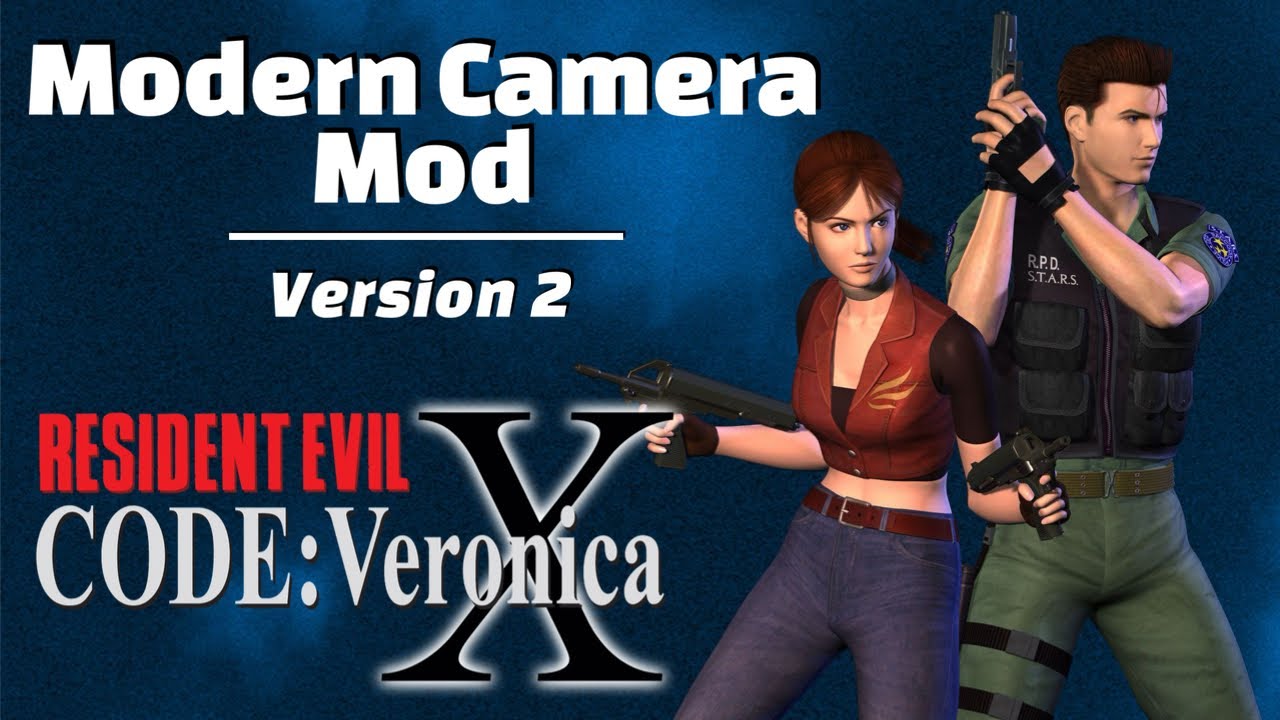
Modern Camera Mod v2

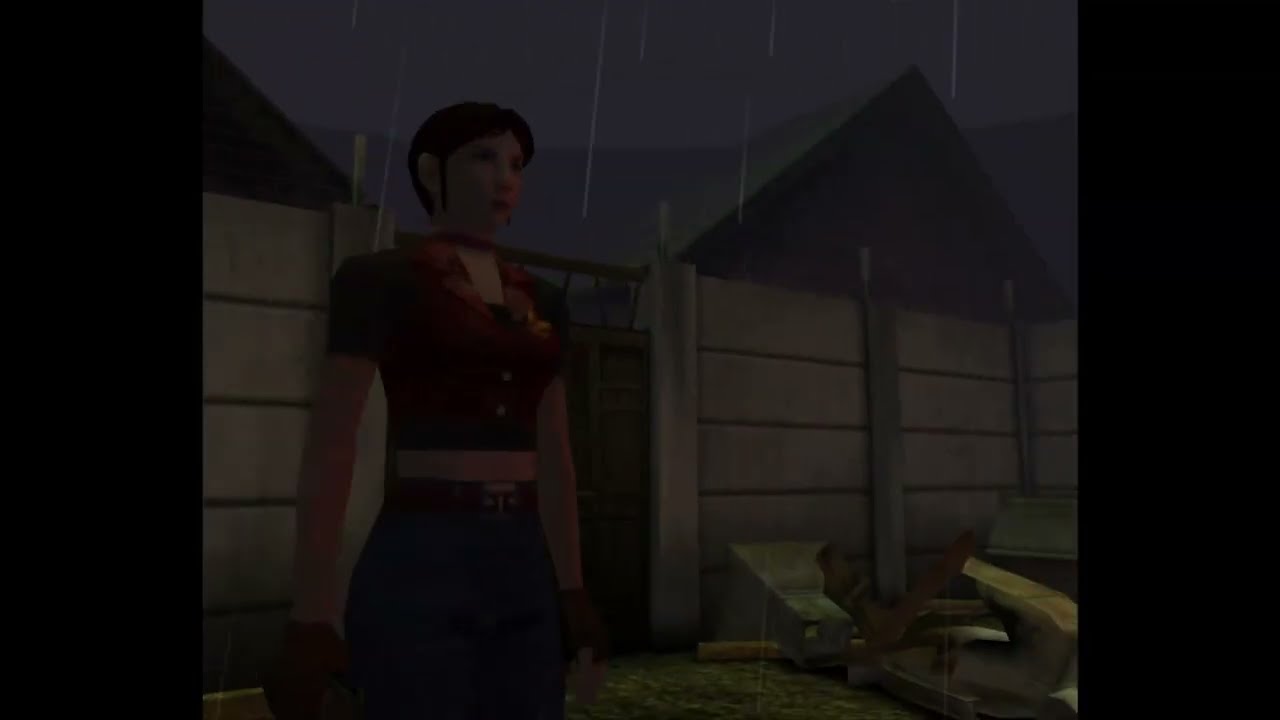
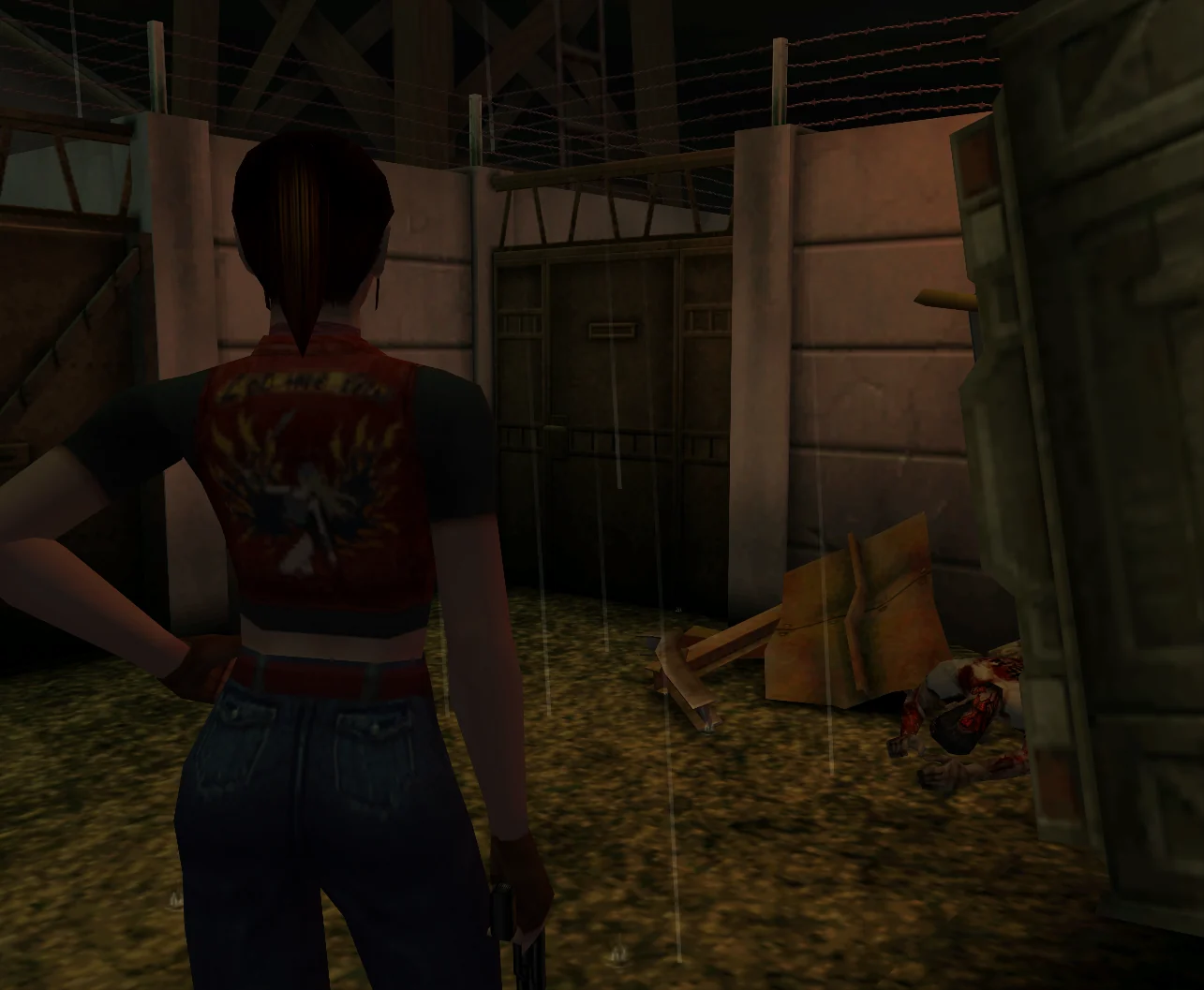
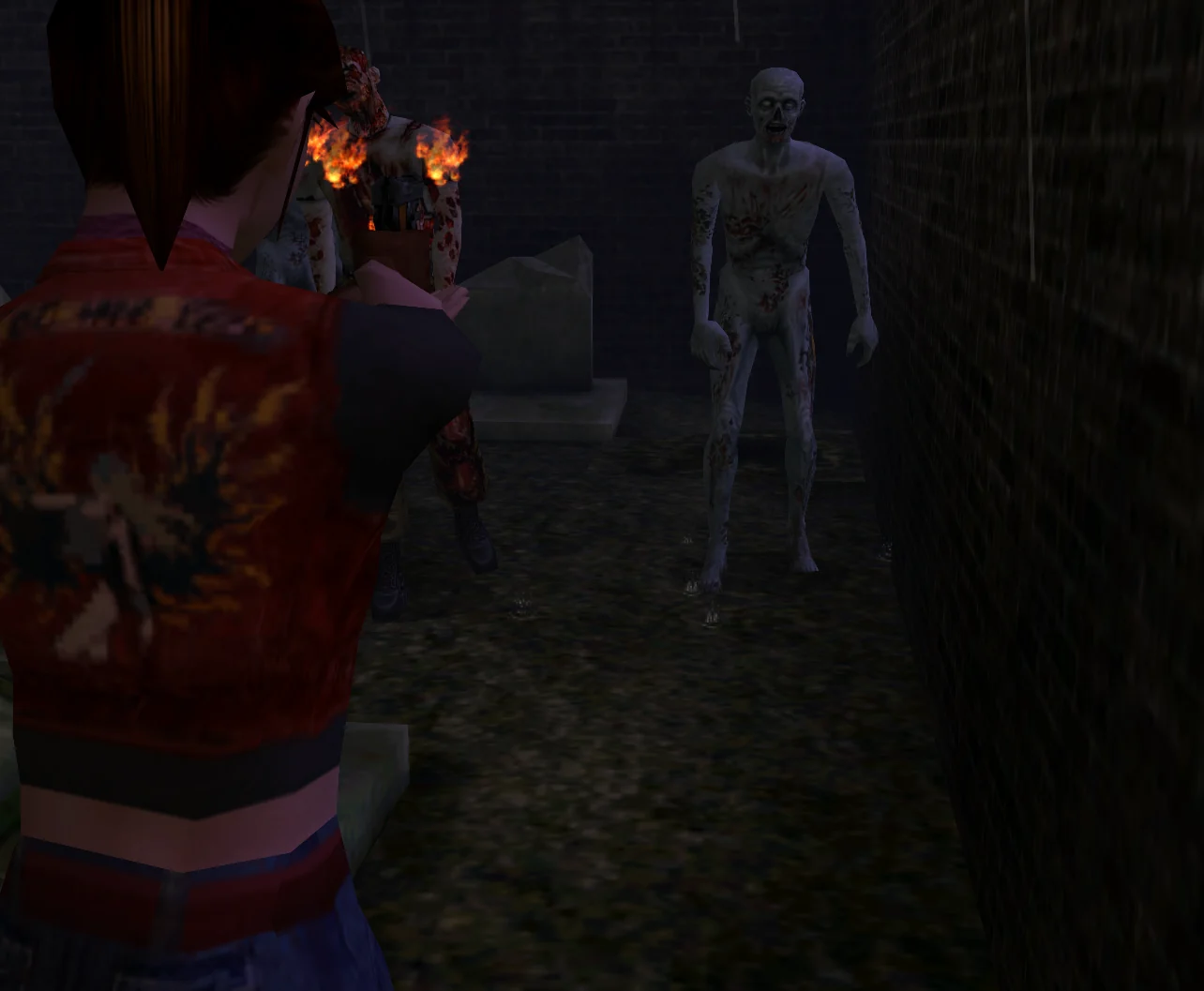
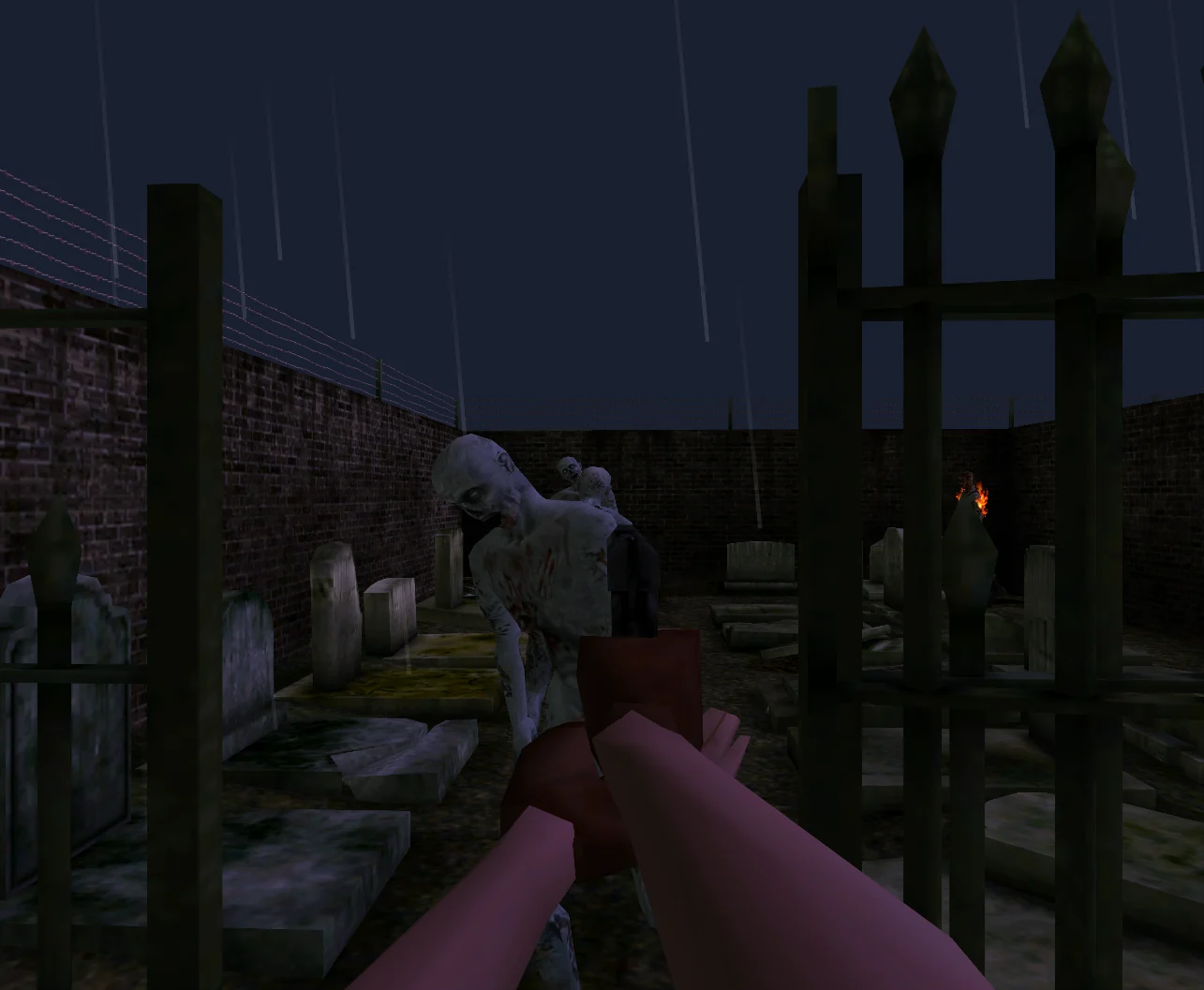
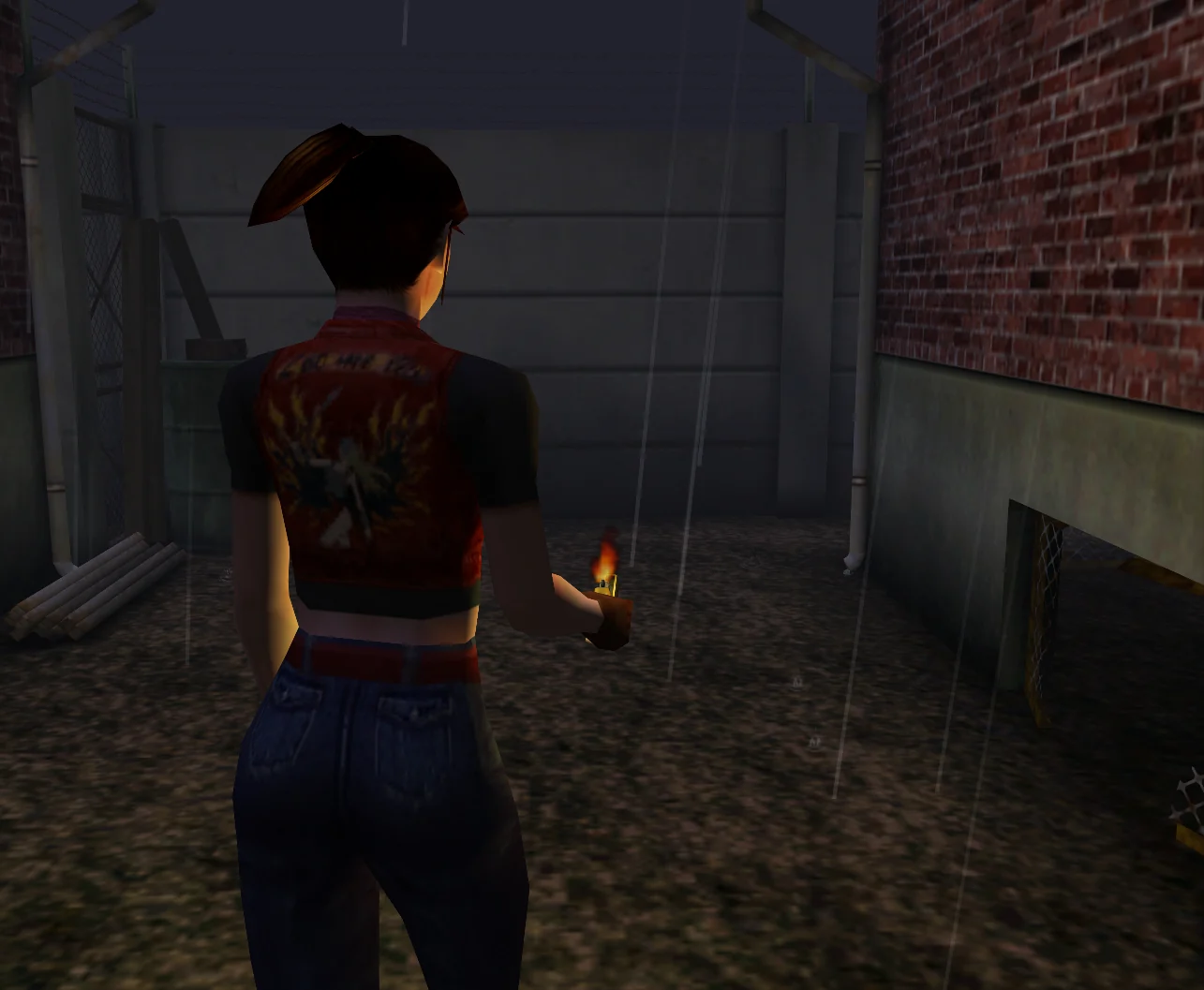
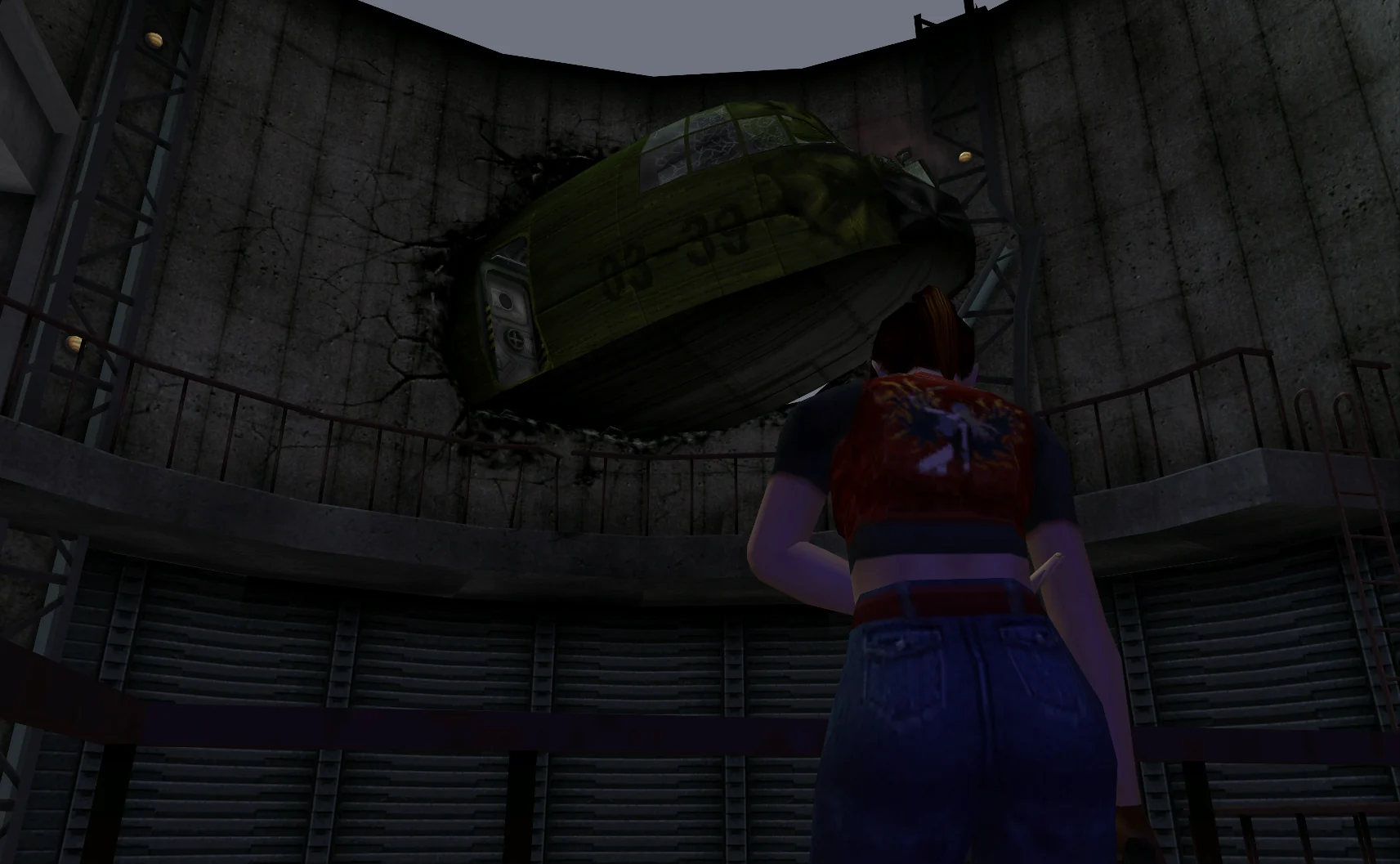
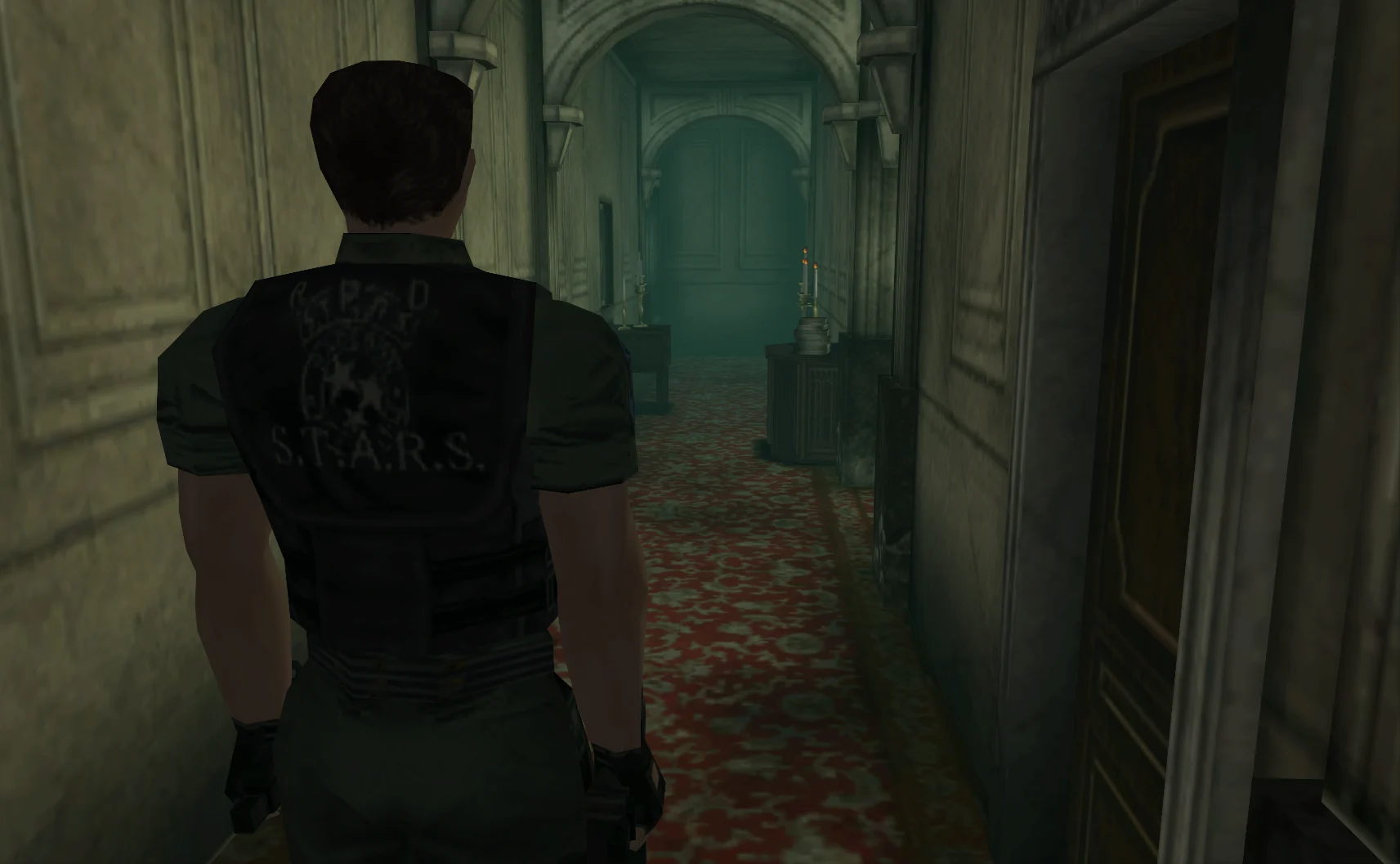
Code: Veronica X is stuck on fixed camera angles. This puts the camera over your shoulder, or into first person, while you play — on both PCSX2 and Dolphin, and it never touches your game files.

ReleasedPCSX2Dolphin

Code: Veronica X was made for fixed camera angles. This runs alongside your emulator and swaps the camera in real time — over your shoulder, or first person with one key — without touching the game on disk. Version 2 brings it to PCSX2 (PS2), reworks first person, and tunes itself for whoever you’re playing. Bind it to keyboard, mouse, or a pad and dial it in while you play.

Made by HeySnippy, on top of the Dolphin and PCSX2 emulators and the dolphin-memory-engine library.

Features

  • Works on PCSX2 (PS2) and Dolphin (GameCube) from the same app
  • Puts the camera over your shoulder instead of the fixed angles
  • Full first-person mode on a single key, with proper FPS movement
  • Shoulder aiming that keeps the camera off the walls
  • Remembers separate settings for Claire and Chris
  • Remap anything to keyboard, mouse, or a controller, with real mouse-look
  • Cleaner look: less pop-in, steadier lighting and fog
  • Companion app to tune it live, with presets and a setup wizard

How to install

Windows · PCSX2

  1. Download RECVX-ModernCam.exe and drop it anywhere — it's portable and installs nothing.
  2. Open it and pick PCSX2.
  3. Turn on PINE so the app can reach the game: PCSX2 → Settings → Advanced → "Enable PINE" (older builds call it the "PCSX2 IPC server"), leave the slot at 28011, then restart PCSX2. Needs PCSX2 1.7 or newer. (No Advanced tab? Tick Tools → Show Advanced Settings first.)
  4. Start the game and play until you're controlling Claire or Chris.
  5. Click Activate — the light goes green when the camera's live.
  6. Tweak the framing and rebind controls in the app. Settings save right next to it.

Windows · Dolphin

  1. Download RECVX-ModernCam.exe and drop it anywhere — it's portable and installs nothing.
  2. Open it and pick Dolphin.
  3. Hit "Dolphin codes" → Install to add the camera codes it needs (the setup wizard can do this on first launch too). No PINE needed.
  4. On a controller? In Dolphin's controller settings, clear every bind on the C Stick — otherwise it triggers quick-turns that fight the mod's camera.
  5. Start the game and play until you're controlling Claire or Chris.
  6. Click Activate — the light goes green when the camera's live.
  7. Tweak the framing and rebind controls in the app. Settings save right next to it.

macOS · PCSX2

  1. Download RECVX-ModernCam-mac.zip, unzip it, and move the app wherever you like.
  2. It isn't notarized, so on first launch right-click the app → Open to clear Gatekeeper (just once).
  3. A controller works right away. For keyboard + mouse-look, grant Input Monitoring (and Accessibility) when the app links you to System Settings.
  4. In PCSX2, turn on PINE: Settings → Advanced → "Enable PINE", slot 28011, restart PCSX2. Needs PCSX2 1.7 or newer. (No Advanced tab? Tools → Show Advanced Settings.)
  5. Start the game and play until you're controlling Claire or Chris.
  6. Click Activate — the light goes green when the camera's live.
  7. Tweak the framing and rebind controls in the app. Settings save right next to it.

Dolphin · Gecko code

  1. The app installs this for you. To add it by hand, the code is $OTS Camera Freeze: 0401F244 4E800020

Known bugs

  • Ladders use the game's fixed camera

    The camera doesn't follow you up and down ladders yet — the game grabs hard control of the camera there. A fix is in progress.

  • Slight fog flicker (PCSX2)

    In the opening graveyard area the fog can flicker a little as the camera moves. It hasn't been noticeable elsewhere so far, and a fix is planned for a later update.

  • Brief fixed-camera flash when entering rooms (PCSX2)

    Stepping into a new room or area can flick to the game's fixed camera for a split second before the modern camera takes back over. It settles on its own, and a smoother handoff is planned.

Questions

Does it work on PCSX2 (PS2) now?

Yes. v2 adds PCSX2 support with everything the Dolphin version has — just pick your emulator in the app.

PCSX2 isn't detecting the game — the light stays on "waiting"?

PCSX2 needs PINE switched on so the app can reach it: Settings → Advanced → "Enable PINE" (older builds call it the "PCSX2 IPC server"), leave the slot at 28011, then fully restart PCSX2 and reload the game. You also need PCSX2 1.7 or newer (older versions have no PINE) and the USA (SLUS-20184) copy of the game.

I don't see an "Advanced" tab in PCSX2 — where's PINE?

It's hidden by default. Tick Tools → Show Advanced Settings in PCSX2's menu bar, then reopen Settings — the Advanced tab appears, with PINE inside. Turn PINE on, leave the slot at 28011, and restart PCSX2. (You'll also need PCSX2 1.7 or newer.)

Does it change my game or ISO?

No. Nothing on disk is touched. It only moves the camera while you play, and stops the second you hit Deactivate.

Will it run alongside other mods?

Texture and cosmetic mods, sure. The only thing it'll fight is another mod that also controls the camera.

How do I remove it?

Hit Deactivate and delete the file. On Dolphin you can also switch the camera codes back off.

Is it safe? My antivirus flagged it.

It installs nothing and only reads and writes the emulator's memory while you play. It isn't code-signed, so SmartScreen might warn you on first launch — click More info → Run anyway. The file can be checked on VirusTotal (linked on the download card).

Changelog

v2.1.12026-06-24

  • Fixed (PCSX2): the camera no longer breaks when aiming the knife — it keeps following you, and the knife aims up/down with the right stick like a gun.
  • Added: the app checks for updates on launch and links you straight to the download page when a newer version is out.

v2.12026-06-24

  • Fixed (PCSX2): entering a new area or opening the map no longer turns the screen black — rooms stay lit through every transition.
  • Fixed (PCSX2): the camera no longer locks up when Claire or Chris turns to look at something.
  • Improved (PCSX2): the camera holds its over-the-shoulder view through doors and room changes, instead of snapping to the fixed angle.
  • Added (experimental): PlayStation controller support — DualShock 4 / DualSense and other standard pads, not just Xbox. Built without a PS pad to test on, so feedback is appreciated.

v2.02026-06-24

  • Added PCSX2 (PS2) support — same features as the Dolphin version, all in one app.
  • Reworked first person: proper FPS movement, better aiming up and down, and a smooth quick-turn.
  • Move while aiming, instead of being locked in place.
  • Aim with the right stick, twin-stick style.
  • A second third-person view you can swap to on the fly — pulled back for a wider shot.
  • Separate camera tuning for Claire and Chris, applied automatically.
  • Smoother on stairs, and it no longer jams into you near walls.
  • Steadier lighting and fog, with less pop-in.
  • Rebuilt the app: setup wizard, presets, and one-click code install for Dolphin.
  • Lots of stability and feel fixes on both emulators.

v1.02026-06-16

  • Initial release.

All mods